
Space without a wandering center
Mid/Side width opens high-side information while mono-bass protection keeps low frequencies anchored.
Native sound shaping for macOS
NAGI gently opens the stage, gives existing bass more depth, keeps vocals present and takes the hard edge off bright recordings.
No room simulation. No remote audio processing. Just a calm, reversible DSP between your Mac and the music.

Wide, deep and gently refined.
Anchored to the menu bar. Passive releases NAGI from the audio path.
01 / Intention
Easy listening, without the easy-listening cliché
Long sessions often become tiring before the music becomes uninteresting. The stage feels narrow. Upper bass keeps knocking. Vocals press forward. Sibilance asks for attention.
NAGI changes that presentation conservatively. It reshapes audio already present in the stream; it never claims to create missing fundamentals, separate stems or make unsafe volume safe.
02 / The signature
One signature by design
Nagi is not an empty preset slot. It is the product: one balanced result you can turn on before you learn a single control.
Mid/Side width opens high-side information while mono-bass protection keeps low frequencies anchored.
Bass Character and Bass Bloom move attention away from short upper-bass impact toward rounder low-frequency body already in the recording.
Center-only Vocal Focus and a bounded Sibilance Guard protect intelligibility while calming the sharpest moments.
03 / Character
Semantic controls, not an EQ lesson
Nagi is the free Signature. Warm, Smooth, Deep, Vivid and Wide are NAGI PRO presets: curated trajectories through one coherent sound engine.
Wide, deep and gently refined for long listening.

04 / Sound Studio
NAGI PRO · One sound model, every control in agreement
Full Studio is part of NAGI PRO. Sound Space, the tonal Character Field and equalizer stay linked; bass, vocal and sibilance controls refine the same result.
The 10× edge is intentionally dramatic, so you can hear where width helps and where the recording asks you to come back.
Input and output status stay visible while NAGI processes the signal.
In NAGI, the real reference keeps playing while you move between tabs and adjust the live DSP.
Drag the field or a control. Click once to arm precise two-finger trackpad adjustment without accidental scrolling.
Change any preset value and NAGI marks the result Custom, ready to save as a local listening profile.
Sample sounds and generated tones continue across Studio tabs, so the comparison survives the adjustment.

05 / Simple is complete
Small when you want it. Precise when you ask.
An anchored menu-bar popover with the live signature wave and one truthful Active / Passive choice.
The same surface extends in place for presets, Space, Character, Bass Feel and focused quick tweaks.
Sound Studio and Multi-Output are PRO; Sound Check remains included for everyone in the same dedicated window.
06 / NAGI PRO
Up to 3 outputs Multi-Output Crossover
Connect up to three compatible outputs to your Mac, choose what each one should reproduce, then balance each selected output independently.
NAGI exposes Full Range, Bass, Mids and Treble roles with adjustable cutoffs. Route availability and achievable synchronization still depend on each device, driver and transport.
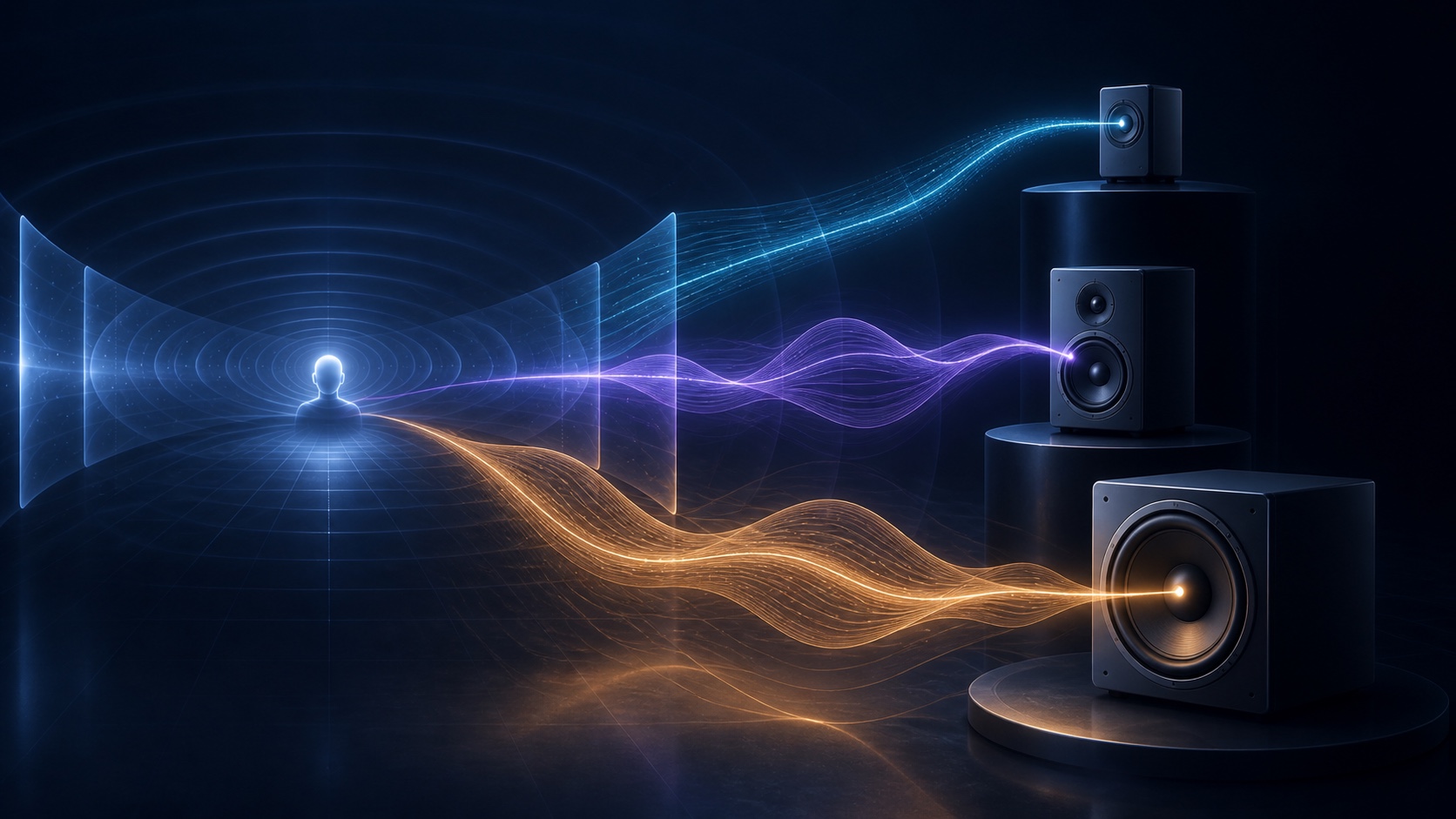
A short, local microphone measurement proposes arrival-time corrections. Keep the automatic result or refine each output manually. Example values are shown.

01 Headphones + desktop speakers
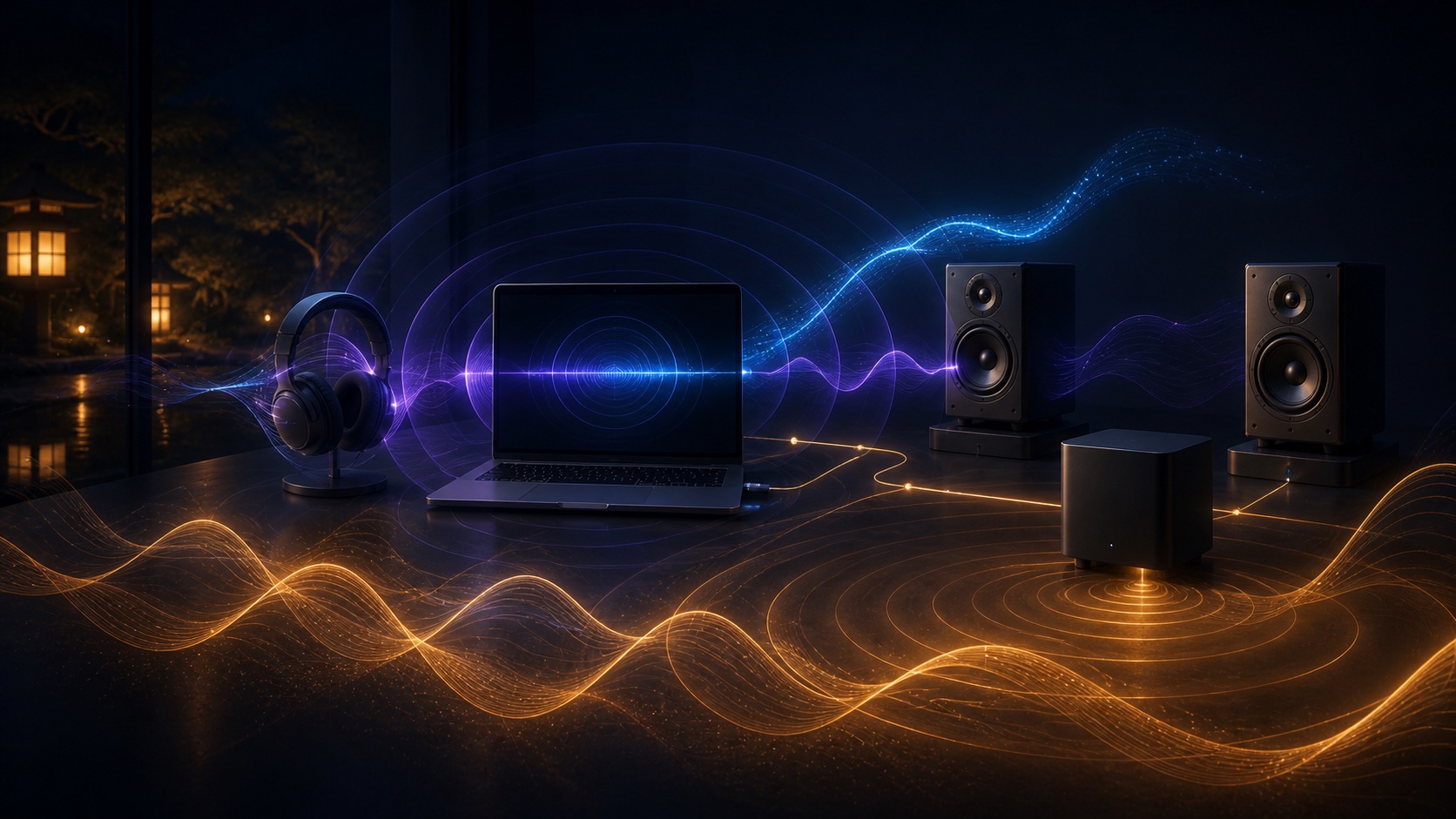
When macOS exposes compatible outputs, send Treble to your headphones and Bass to larger desktop drivers. The headphones carry the fine-detail lane; the speakers carry the selected low-frequency lane.
With suitable hardware and cutoffs, moving demanding low frequencies away from smaller drivers can leave more usable headroom and a calmer presentation.
02 Use the system you already own
Keep mids and highs on the Mac or headphones, then route only the lower band to a connected hi-fi system, powered speaker or subwoofer.
Independent level control helps compensate for devices with different sensitivity, amplifier gain or listening distance.

03 One source, simultaneous outputs
NAGI processes the mix locally, splits it into frequency lanes and sends those lanes to as many as three selected devices at the same time.
BAND IN confirms that the selected frequency range contains energy. DEVICE OUT shows what reaches that output after its own level trim.
07 / NAGI PRO
The signature is the beginning
The free Nagi Signature, compact menu controls, truthful Active / Passive control and Sound Check come first. PRO adds five more character presets, Full Studio controls, custom profiles and connected-output routing.
Annual and Lifetime unlock the same PRO feature set. Payment, renewal, cancellation, restoration and refunds are managed by Apple.
Auto-renews annually until canceled through your Apple Account.
See availabilityThe complete PRO feature set as a single non-consumable purchase, restorable through the same Apple Account.
See availabilityNAGI PRO INCLUDES
08 / Availability
Native. Local. Reversible.
NAGI's first Mac App Store release is in progress. Advanced multi-output combinations remain subject to the format, latency and driver behavior of the connected devices.
Ask about release availabilityPrivacy
Local by design
NAGI processes system audio locally in memory. It does not save recordings, write audio files, upload or share the audio you listen to. Presets and preferences remain on your Mac unless you choose to remove the app’s local data.
Acoustic Sync requests microphone access only when you start calibration. Temporary measurement samples remain in memory and are discarded after the estimate; they are not saved or uploaded.
Purchases are processed by Apple. NAGI receives only StoreKit product and verified entitlement status; it does not receive or store payment-card details. If you contact support, Kodawari uses the information in your message only to respond to that request.
Effective 28 August 2026. Privacy questions: info@kodawari.app.
Terms
NAGI PRO purchases
NAGI PRO Annual renews automatically each year unless canceled through your Apple Account. NAGI PRO Lifetime is a one-time, non-consumable purchase. Either verified entitlement unlocks the same PRO features for the purchasing Apple Account.
Payment, renewal, cancellation and refunds are handled by Apple and remain subject to the Apple Standard EULA. Subscription access ends when the paid term expires or the entitlement is revoked; a lifetime unlock remains available unless Apple revokes or refunds it.